
There are 3 ways to access the React software to reset you password and unlock your account.
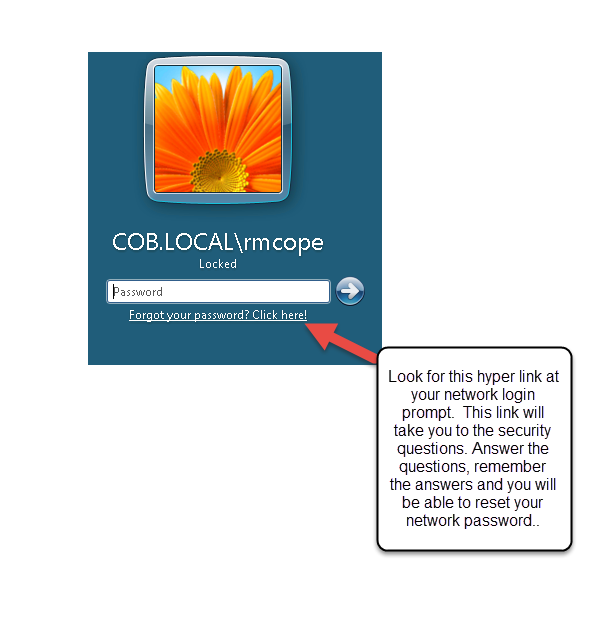
1. At the log in screen there is a link under the password field that you can click on that will take you to the site.
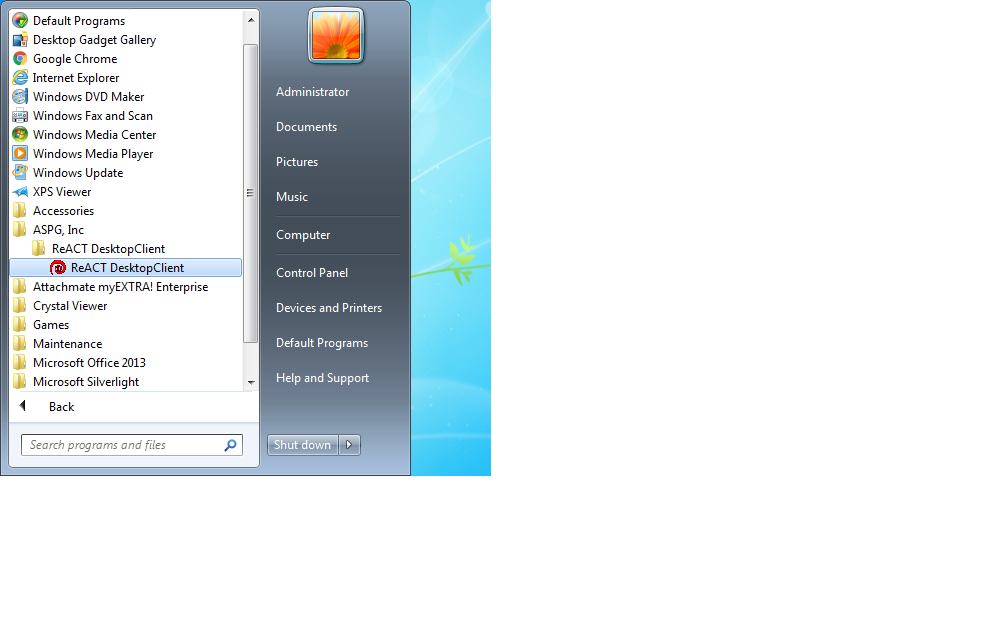
2. If you are currently logged in to the computer, you can go to your start menu and under all programs you can look for the folder ASPG and in the React folder will be the link for the software.
3. You can also access the site from the internet by going to https://cobreact.birminghamal.gov to reset your password and unlock account. This is a external site so you can access anywhere you have internet access.

Comments
0 comments
Please sign in to leave a comment.