
What is OneDrive?
OneDrive is part of Office 365 and allows you to store data on the Internet (aka in the Cloud), allowing you access to your files from anywhere, with any device. You can also use it for file sharing and collaboration – allowing everyone to access the same version of the document, instead of each one having a separate copy. Additionally, it has security built in and automatically backs up your files.
If you have not set up OneDrive on your computer, navigate to the Start Menu and click on All Apps. Scroll down to the ‘O’ and click on OneDrive. Alternatively, you can type OneDrive in the Search Windows bar and find it as well.

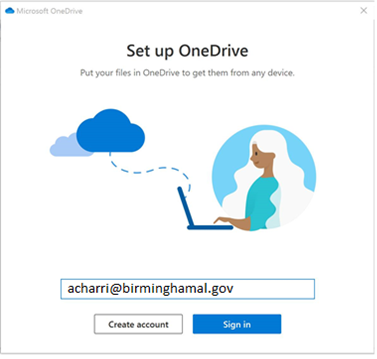
Enter your Work Email Address – format should be your login id (first initial, middle initial, first five characters of your last name) @birminghamal.gov, then click Sign In.
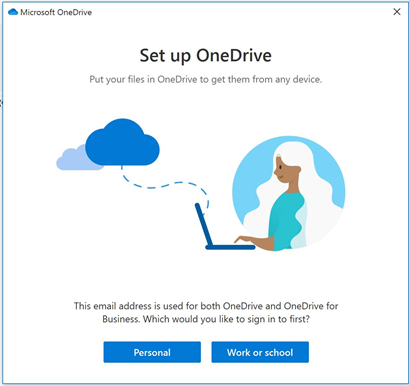
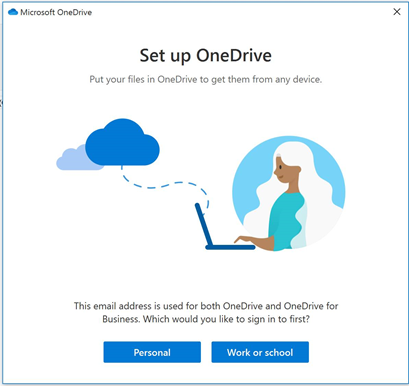
Now, click on the Work or School button to sign into your city account.
You should see a window that shows where it is going to put your folder on your PC – you should not have to change the location, just click Next.
Now it will ask you what folders you want it to Sync with your OneDrive Folder – the default is to check all of the folders, you can choose which ones you want to sync. Those that you select will be available to you from the Cloud on any device. Once you have chosen the folders you want to sync, click Next.

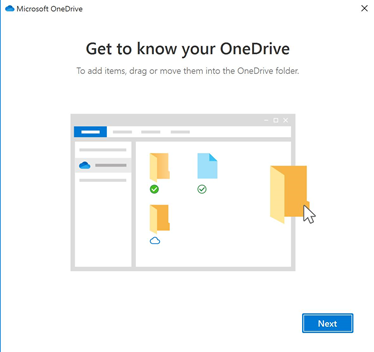
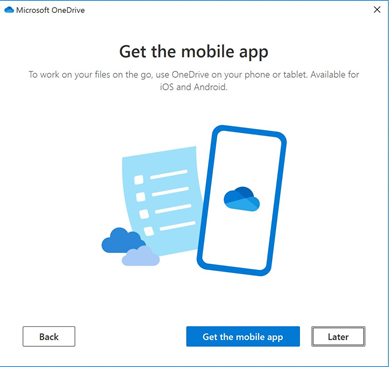
You will now see a series of informational windows, click next on each to finish setting up your folder.

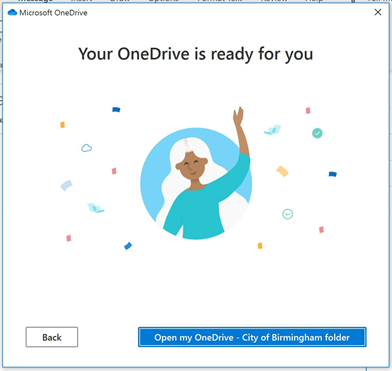
Once you have set up your account and signed in, click on the Open my OneDrive – City of Birmingham folder button to open File Explorer. Alternatively, you can open File Explorer from your desktop or by clicking Ctrl-E.
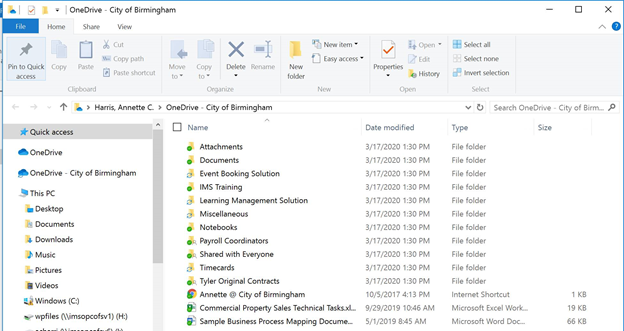
In File Explorer, you might see two OneDrive Accounts – one is your personal account, the other is your City of Birmingham work account. You should see all of the folders/files that you selected when you set up the sync option for your account in the OneDrive – City of Birmingham folder.
Important: Do not put any city-related files into a personal OneDrive account as they cannot be recovered if lost. This is also a breach of the City of Birmingham official use policy.
Comments
0 comments
Article is closed for comments.